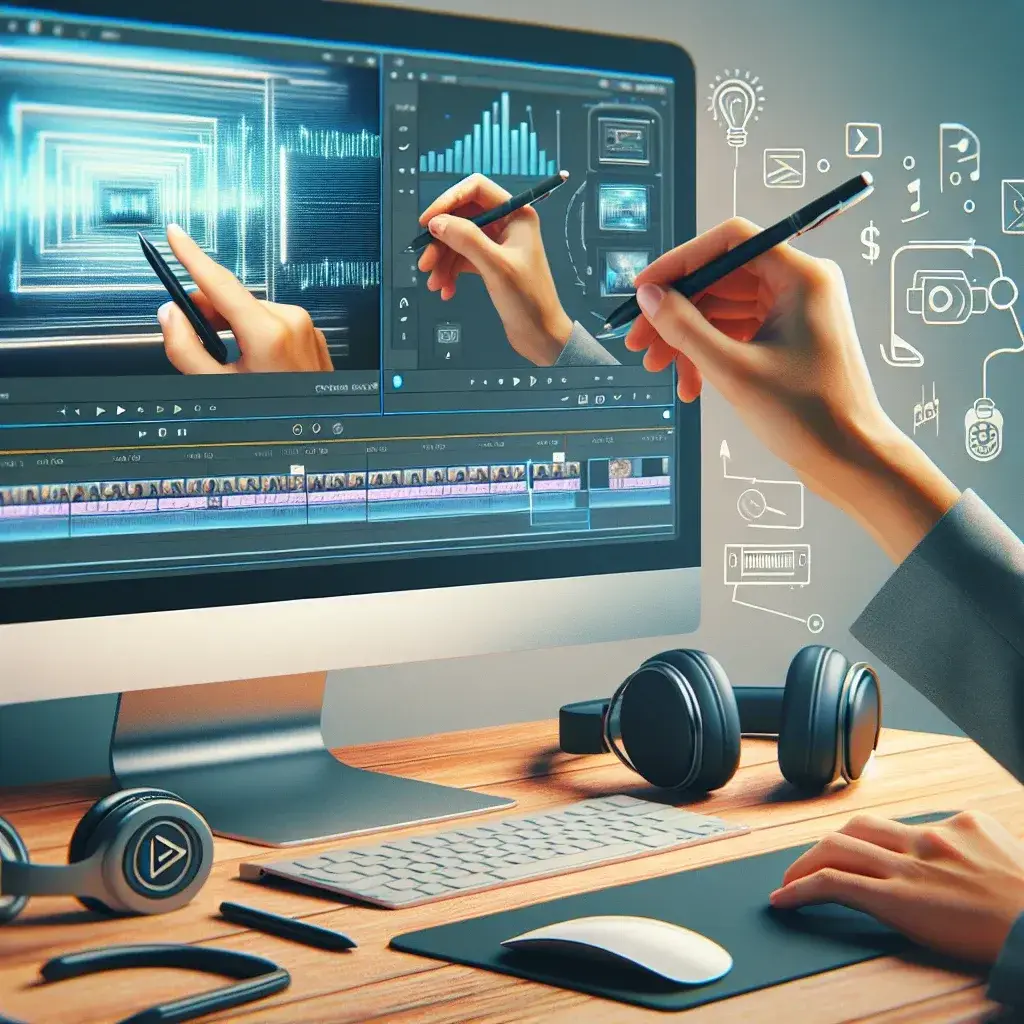
In today’s digital landscape, video content reigns supreme as the most engaging form of communication. Whether you’re a software trainer, educator, or business professional, converting your screen recordings into polished how-to videos can significantly enhance your audience’s learning experience and boost your content’s effectiveness.
Understanding the Foundation: What Makes a Great How-To Video
Before diving into the conversion process, it’s essential to understand what distinguishes a professional how-to video from a basic screen recording. A well-crafted tutorial video combines clear visual demonstrations with structured narration, strategic pacing, and purposeful editing that guides viewers through each step seamlessly.
The transformation from raw screen capture to polished educational content involves several critical elements: audio enhancement, visual clarity optimization, strategic editing, and audience-focused presentation. These components work together to create content that not only informs but also engages and retains viewer attention throughout the learning process.
Pre-Production Planning: Setting Yourself Up for Success
Successful video conversion begins long before you start editing. Preparation is paramount when creating effective how-to content. Start by outlining your tutorial’s objectives and identifying your target audience’s skill level and expectations.
Create a detailed script or outline that breaks down complex processes into digestible segments. This approach ensures your final video maintains logical flow and prevents important steps from being overlooked. Consider the optimal video length for your content – research indicates that tutorial videos between 3-7 minutes typically achieve the highest engagement rates.
Recording Quality Considerations
The quality of your original screen recording directly impacts your final video’s professional appearance. Ensure you’re recording at the highest resolution possible, preferably 1080p or higher, to maintain clarity during the editing process. Pay attention to your recording environment, minimizing background noise and distractions that could detract from the learning experience.
Essential Tools and Software for Video Conversion
Selecting the right editing software significantly influences your workflow efficiency and final video quality. Popular options range from beginner-friendly platforms like Camtasia and Screencast-O-Matic to professional-grade solutions such as Adobe Premiere Pro and Final Cut Pro.
For those seeking cost-effective alternatives, open-source options like DaVinci Resolve and OpenShot provide robust editing capabilities without the financial investment. The key is choosing software that aligns with your technical expertise and project requirements.
Hardware Requirements
Video editing demands substantial computing resources. Ensure your system meets the minimum requirements for your chosen software, with particular attention to RAM, processor speed, and available storage space. A dedicated graphics card can significantly accelerate rendering times, especially when working with high-resolution footage.
Step-by-Step Conversion Process
The conversion process typically follows a structured workflow that transforms your raw recording into a polished educational resource. Begin by importing your screen recording into your chosen editing software and familiarizing yourself with the interface and available tools.
Audio Enhancement and Synchronization
Audio quality often determines viewer retention more than visual elements. Start by cleaning up your audio track, removing background noise, adjusting volume levels, and ensuring consistent audio quality throughout the recording. If your original recording lacks narration, consider adding a professional voiceover that guides viewers through each step.
Synchronize audio with visual elements carefully, ensuring that spoken instructions align perfectly with on-screen actions. This synchronization creates a cohesive learning experience that feels natural and professional.
Visual Optimization Techniques
Enhance your screen recording’s visual appeal through strategic editing techniques. Add callouts, arrows, and highlighting to draw attention to specific interface elements. Use zoom effects to focus on detailed actions, making them easily visible even on smaller screens.
Consider implementing a consistent visual style throughout your video, including standardized fonts, colors, and graphic elements that reinforce your brand identity while maintaining professional appearance.
Advanced Editing Techniques for Professional Results
Elevate your how-to videos beyond basic screen recordings by incorporating advanced editing techniques. Strategic pacing plays a crucial role in maintaining viewer engagement – slow down during complex steps and maintain steady rhythm during routine actions.
Implement smooth transitions between different sections of your tutorial, using techniques like fade-ins, fade-outs, and cross-dissolves to create seamless flow. These transitions help viewers mentally process information and prepare for upcoming content segments.
Interactive Elements and Engagement
Modern how-to videos benefit from interactive elements that encourage active learning. Consider adding pause points with on-screen text summaries, clickable annotations, or embedded quizzes that reinforce key concepts. These elements transform passive viewing into active participation, significantly improving knowledge retention.
Optimizing for Different Platforms and Audiences
Different platforms have unique requirements and audience expectations that influence your video optimization strategy. YouTube tutorials typically perform well with longer, comprehensive content, while social media platforms favor shorter, focused segments that deliver immediate value.
Mobile optimization has become increasingly important as more users consume educational content on smartphones and tablets. Ensure your text overlays are large enough to read on small screens, and test your video’s clarity across various devices before publication.
SEO Considerations for Video Content
Optimize your converted videos for search engine discovery by crafting compelling titles that include relevant keywords while maintaining clarity and appeal. Create detailed descriptions that outline your video’s content and include timestamps for major sections, helping viewers navigate to specific information quickly.
Quality Control and Final Review Process
Before publishing your converted how-to video, conduct thorough quality control reviews from multiple perspectives. Watch your video as if you’re encountering the topic for the first time, identifying potential confusion points or areas requiring additional clarification.
Test your video across different devices and internet connection speeds to ensure consistent playback quality. Pay particular attention to audio-visual synchronization, text readability, and overall professional presentation that reflects positively on your expertise and attention to detail.
Gathering Feedback and Iteration
Consider sharing your video with a small test audience before wide release, gathering feedback on clarity, pacing, and overall effectiveness. This feedback loop helps identify improvement opportunities and ensures your final product meets audience expectations and learning objectives.
Distribution and Promotion Strategies
Converting screen recordings into professional how-to videos represents only part of the content creation journey. Strategic distribution ensures your educational content reaches its intended audience and achieves maximum impact.
Develop a multi-platform distribution strategy that leverages various channels appropriate for your content and audience. This might include your company website, YouTube channel, social media platforms, and relevant online communities where your target audience actively seeks educational content.
The investment in converting basic screen recordings into polished how-to videos pays dividends through increased viewer engagement, improved brand perception, and enhanced educational effectiveness. By following these comprehensive guidelines and maintaining focus on audience value, you’ll create tutorial content that stands out in today’s competitive digital landscape while establishing yourself as a trusted educational resource in your field.
